
How I Used Midjourney to Create a Consistent Visual Style for this Substack
A meta post on how to use AI to create images in a consistent style

When I shared this Substack a few people asked “I like the graphics. How did you make them?”.
I just used an AI image generation tool, Midjourney, which is actually super simple and easy to get consistent visual styles for what you want to communicate.
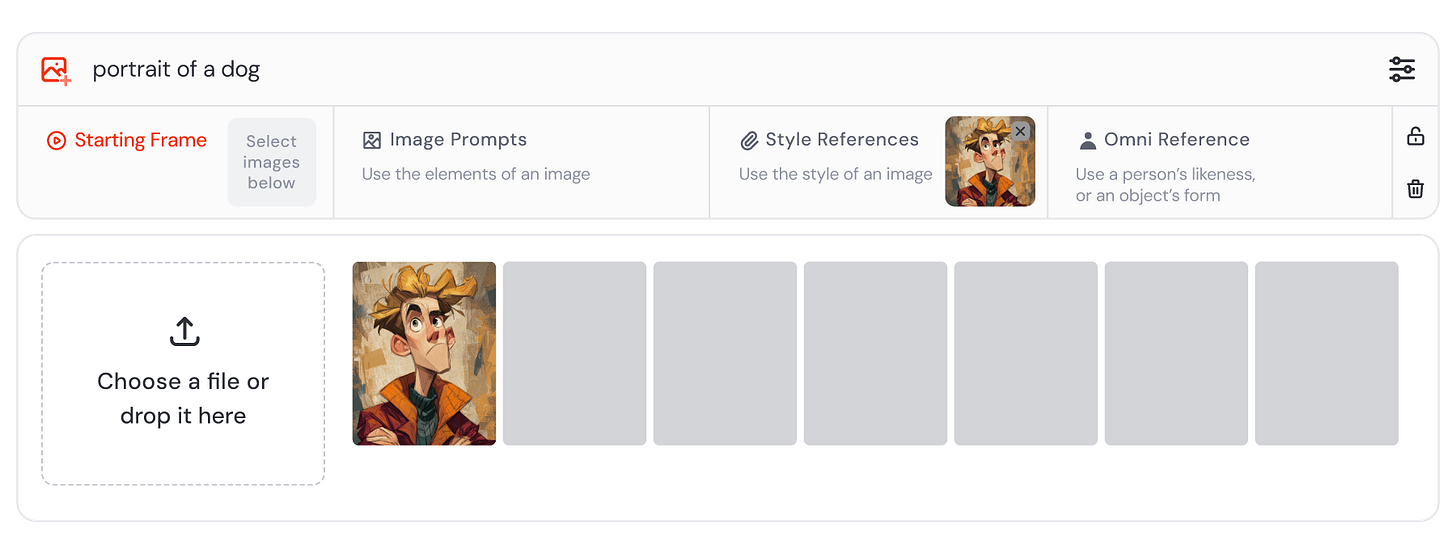
Midjourney started as a Discord tool but it now has a web UI! It’s pretty overwhelming with all the options but you really only need to learn one feature, style reference, to create consistent styles.
Here’s my workflow:
I opened up Midjourney and put in trial and error prompts like “playful line draw style illustration background” and “plant growing simple but abstract line drawing with colors”.
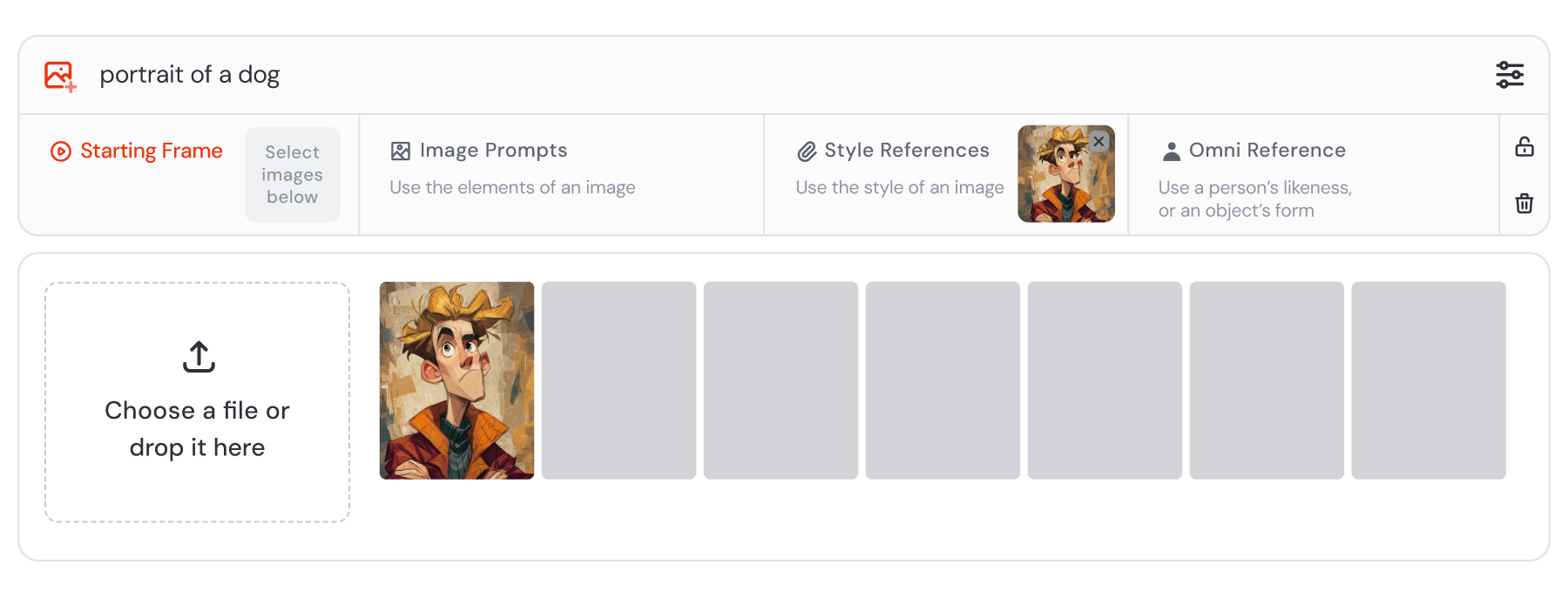
Once I had an image I liked I then used the “style reference” feature to make custom images for my different post themes.
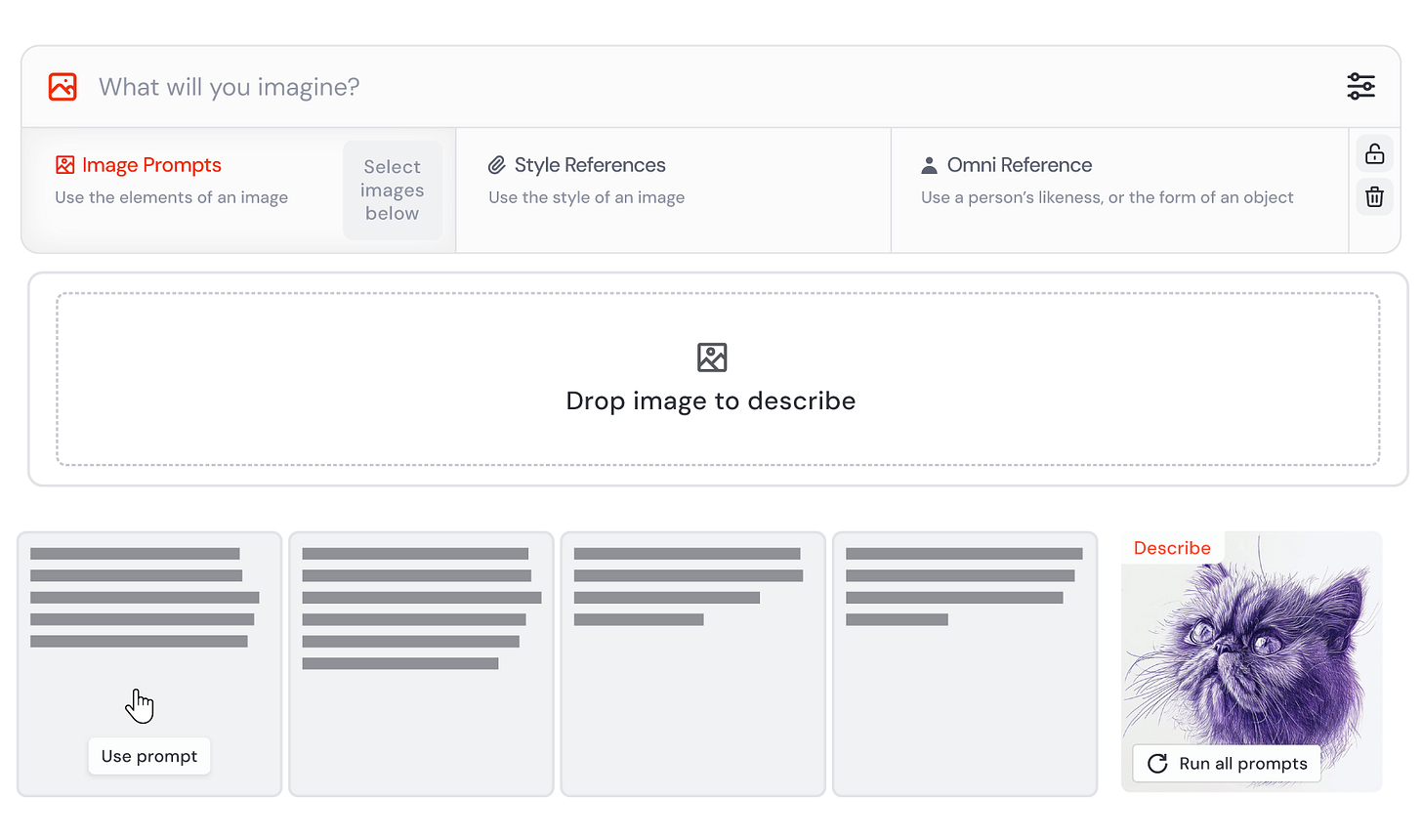
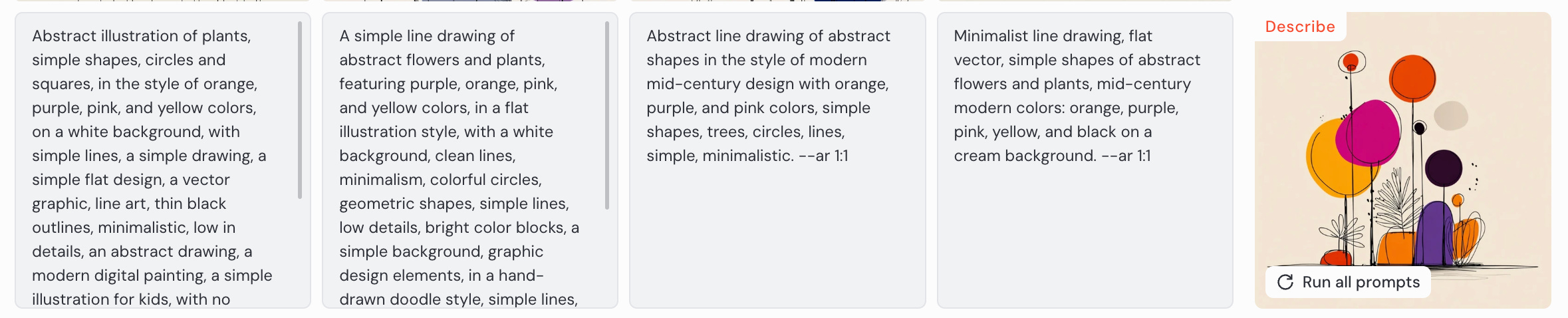
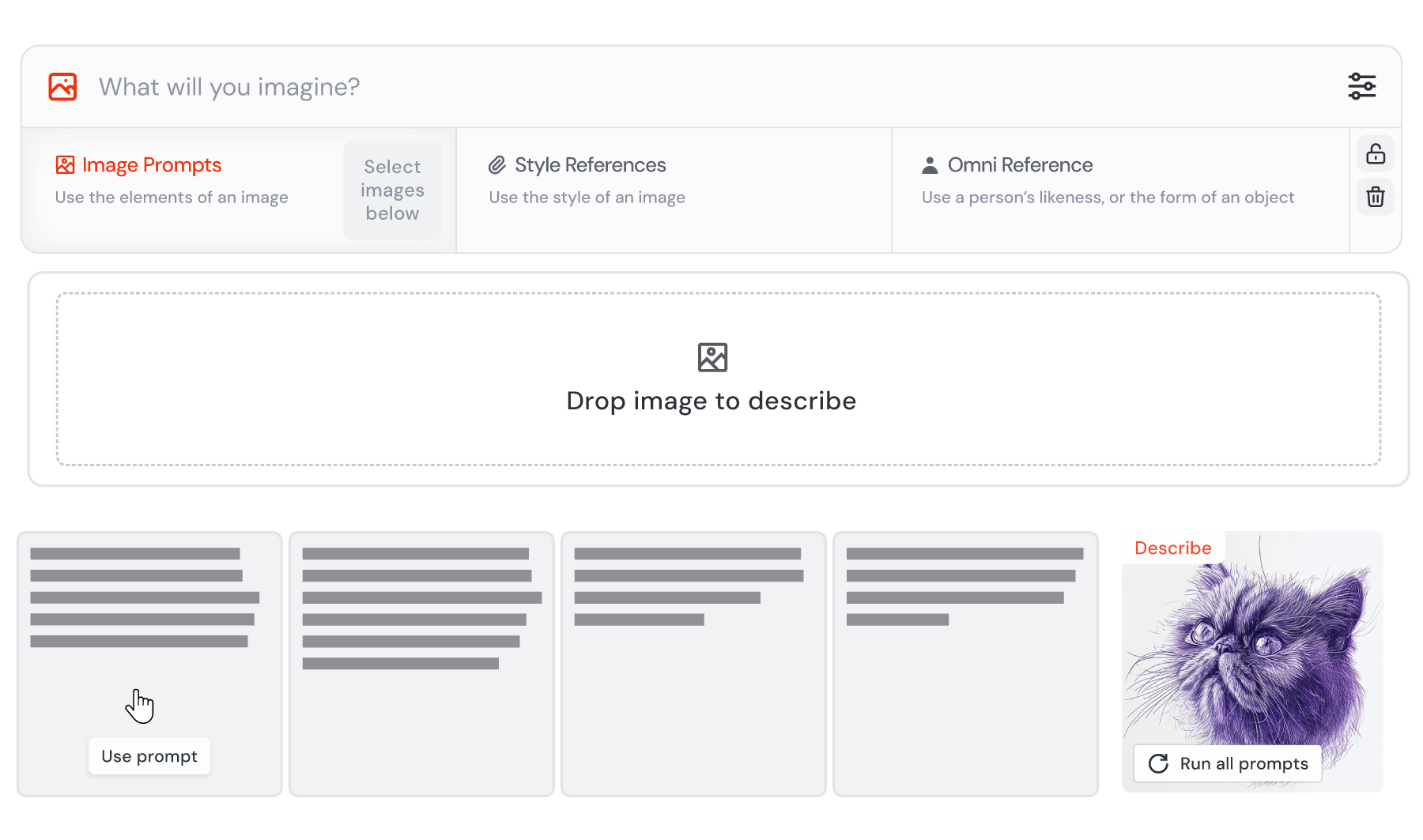
You can also use Midjourney feature “describe” to reverse engineer. This can be helpful to get a feel for how to prompt to get better images.
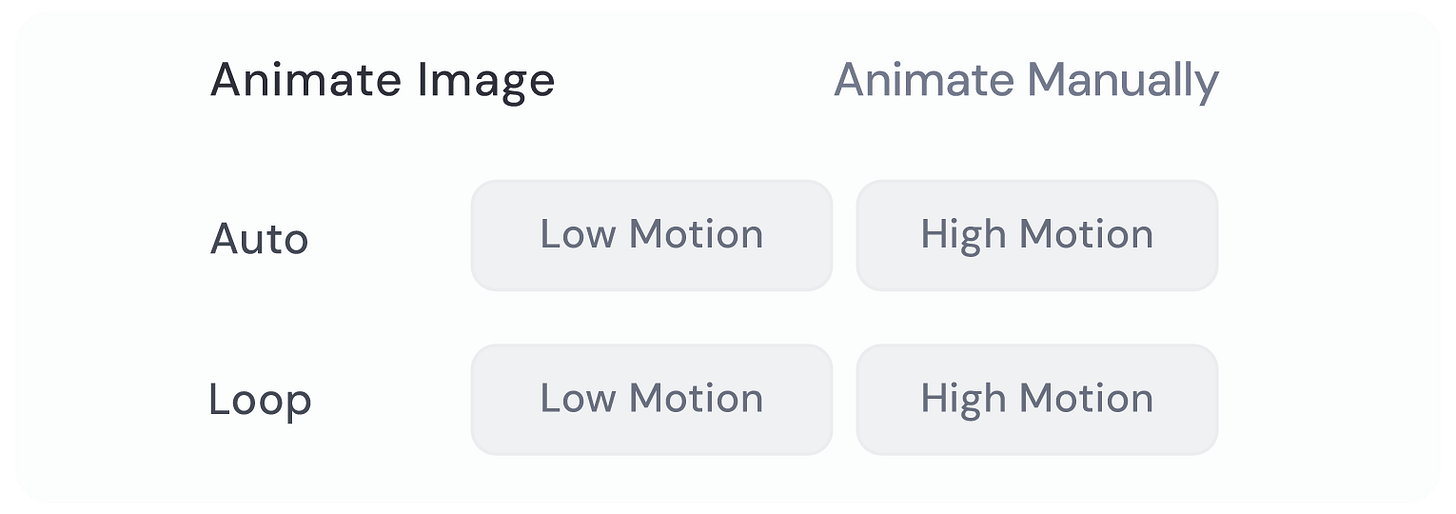
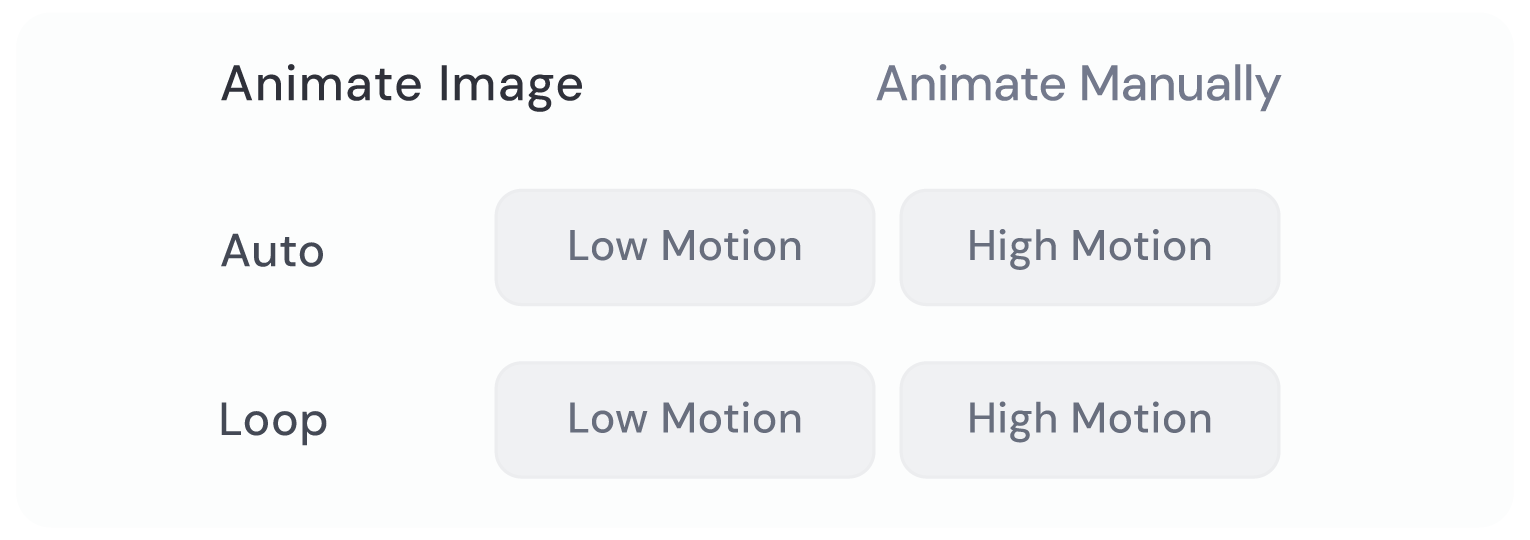
With one click you can even animate it to make it have some subtle, fun movement.

I started with some simple prompts like this 
I iterated a bit to get to the style I liked 
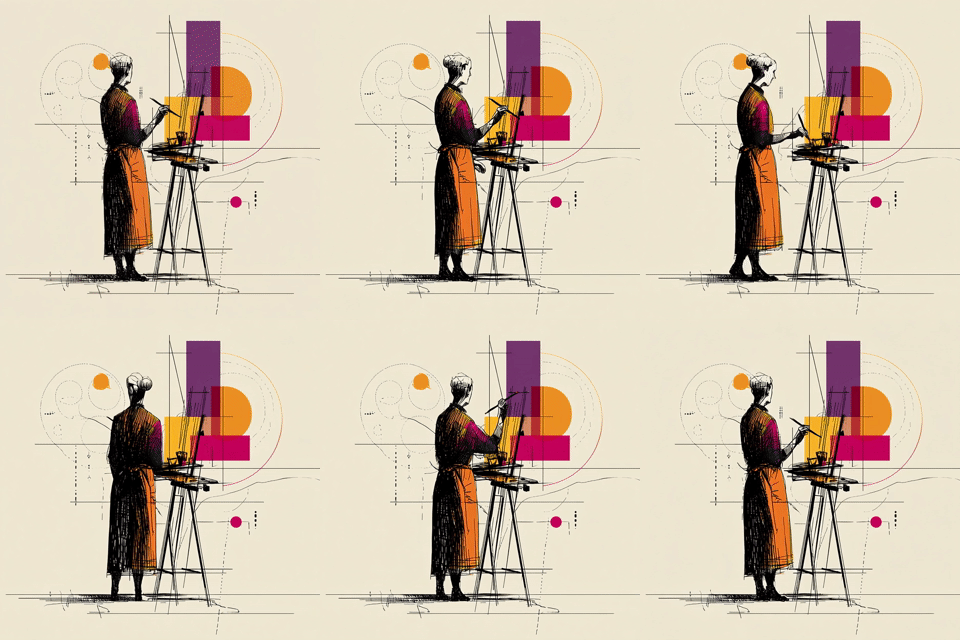
I could then customize for my post themes 
It produces a variety of options so you can select what you like 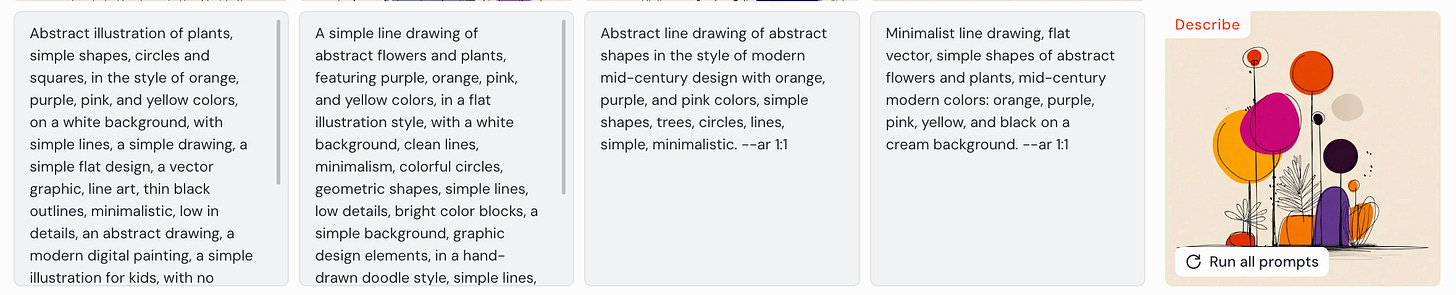
Get better at image prompting by using the “Describe” option 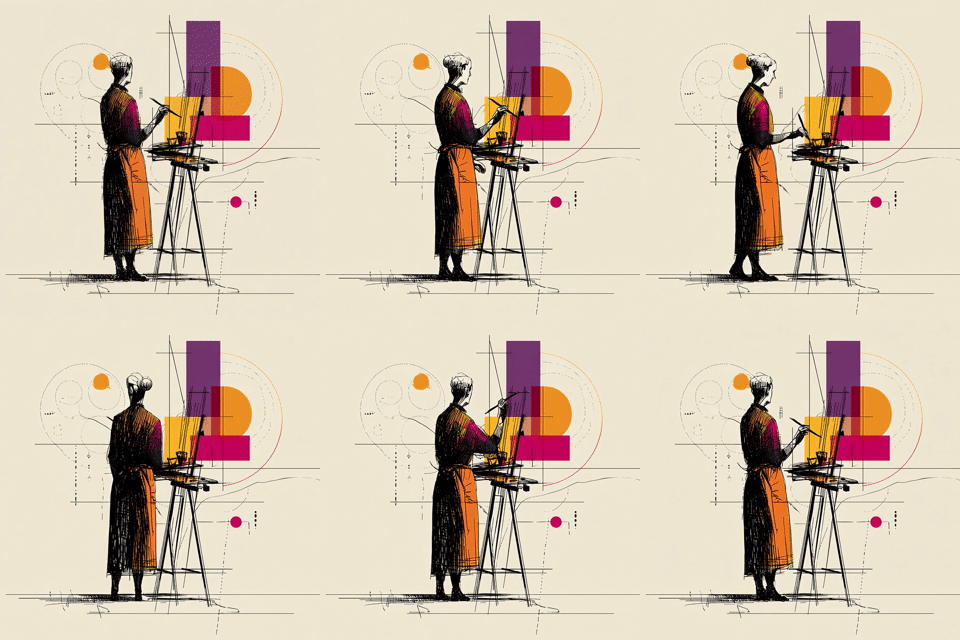
Midjourney Features to recreate my workflow:
1. Style reference
2. Describe




Animate
It has a ton of other features too - I’m still learning them. Let me know in the comments any great use cases you’ve found!